


Tacho Instructions
Under the „Tacho-Instructions“ menu item, you can review and sign instruction protocols.
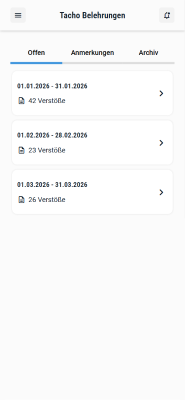
Under ‘Open instructions’, click on any instruction to open it.
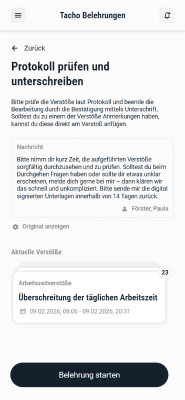
First, you will see an overview and a message from your dispatcher.
Then click on ‘Start instruction’ to view all violations in detail.
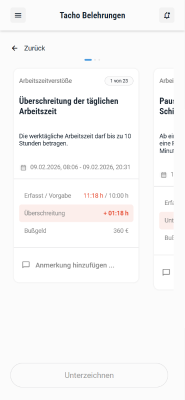
If you have the appropriate EMMA permissions, you can create new or link existing annotations to document the possible causes of a violation.
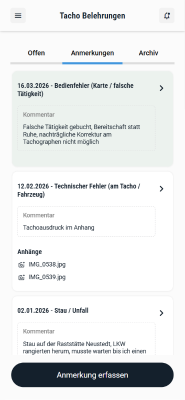
In addition to thís, you can also create new annotations via the ‘Annotations’ menu item. These will then be available for you to link to a violation.
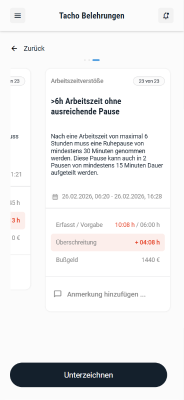
After reaching the last violation entry of the protocol, you can sign it.
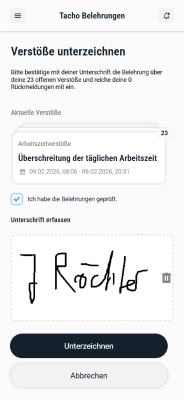
After confirming and signing the protocol, it will be stored in the archive.
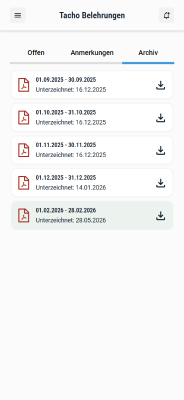
There you can see and download all previously signed protocols.